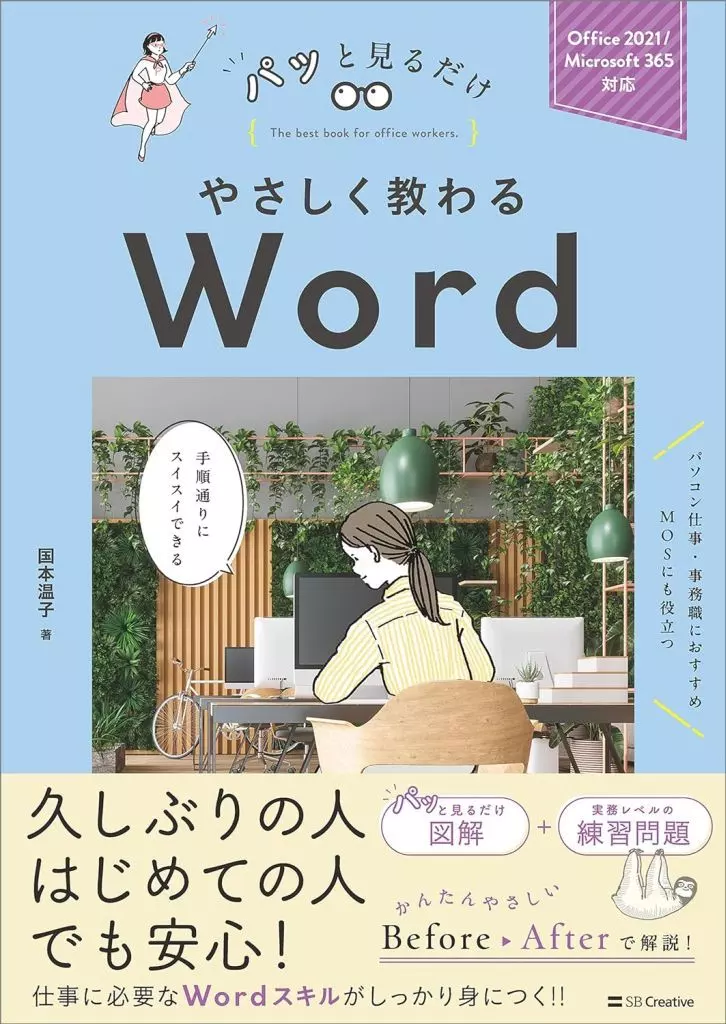
Information science Gently Taught Word / Atsuko Kokumoto


Product description ※Please note that product information is not in full comprehensive meaning because of the machine translation.
Information Science
[Introduction to the Contents]
An easy-to-understand explanation of the operations required for work with illustrations.
In "Basic Explanation of Details" and "Practical Training Questions"
You can learn how to work with a computer using Word with this one book.
■ For those who recommend this book
■ For those who are worried about working with a computer
■ For those who want to start working as an office worker
■ For those who want to learn as easily as possible
There is an image explanation for each operation.
For those who want to learn how to work with a computer, you can feel at ease.
For those who want to learn how to work with Word, you can feel at ease.
Chapter 1 Learn the basics of Word2021
Chapter 2 Master entering letters
Chapter 3 Master creating documents
Chapter 4 Master editing letters and paragraphs
Chapter 5 Create shapes in documents
Chapter 8 Learn the expressive functions of documents
Chapter 9 Learn how to print and save documents
Chapter 10 Learn how to use and collaborate with OneDrive
[Author brief history]
Technical writer.
After working as an OA instructor in a company for word processors and computers, worked as an instructor in Office, VB, VBA, and worked as an instructor in Office, VB, VBA, and now works as a freelance IT writer.
br>
Chapter 3 Master creating documents
Chapter 4 Master creating letters and paragraphs
Chapter 5 Create shapes in documents
Chapter 8 Learn the expressive functions of documents
0