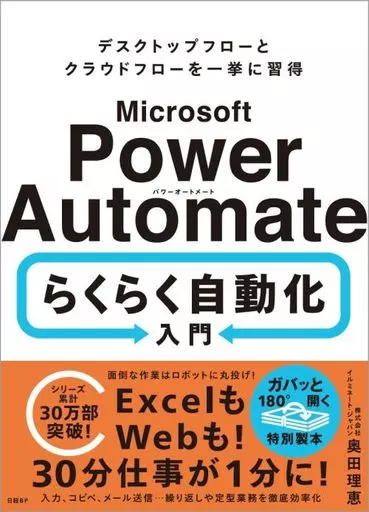
Book (Practical) Information science Microsoft Power Automate Easy Automation Introduction / Rie Okuda


Product description ※Please note that product information is not in full comprehensive meaning because of the machine translation.
Information Science
[Introduction to the Content]
● Collecting, Transcribing, and Storing Data … … Automating routine daily tasks and making them more efficient!
● Throwing troublesome tasks into robots! Reducing work to 30 minutes from Excel to on the Web to 1 minute!
● Making special bookbinding with "Quick 180 ° Open" for comfortable PC operation while reading!
● In recent years, all workplaces are facing serious labor shortages.
Even among office workers, we hear heartbreaking comments such as "I can't keep up with clerical work such as creating and managing documents," "I have trouble handling a large volume of e-mails," and "Human errors in data entry and posting have increased unnecessary work."
Automation tools such as RPA (Robotic Process Automation) and DPA (Digital Process Automation) are attracting attention.
By automating routine tasks that are repeated on a daily basis, such as data entry and posting, saving and copying files, obtaining information from the Web, and sending e-mails to related people, it can be surprisingly labor-saving.
By entrusting troublesome tasks to "robots", they can be made easier and prevent mistakes.
Automation may seem difficult at first glance, but by using "low-code" tools such as programming Chapter 2 Desktop Flow Basics
01 Starting Power Automate for desktop
02 Creating and Testing a Desktop Flow
03 Running a Desktop Flow from the Console
04 Running a Desktop Flow from the Console
05 Basic Operations on Files and Folders
06 Changing File Names at a Time
07 Various File Operations
08 Basic Operations on Excel
09 Working With a Web browser
10 Using a Recorder
01 Storing Data Collected from a Browser in Excel
02 Uploading from an Excel list to another system
03 Automatically Creating E-quotes from an Excel list
Chapter 4 Cloud Flow Basics
01 Managing and Sharing Cloud Flow
04 Managing and Sharing Cloud Flow
05 Automatically Saving Email Attachments to a Shared Location
06 Converting Files to PDF
07>
Cloud Flow and Desktop Flow
180 02 03 01 01 02 02 03 04 05 06 07 business person PC operation